Break the editing loop.
AI editing for your real footage. Turn clips into social videos, with you in control of the cut.
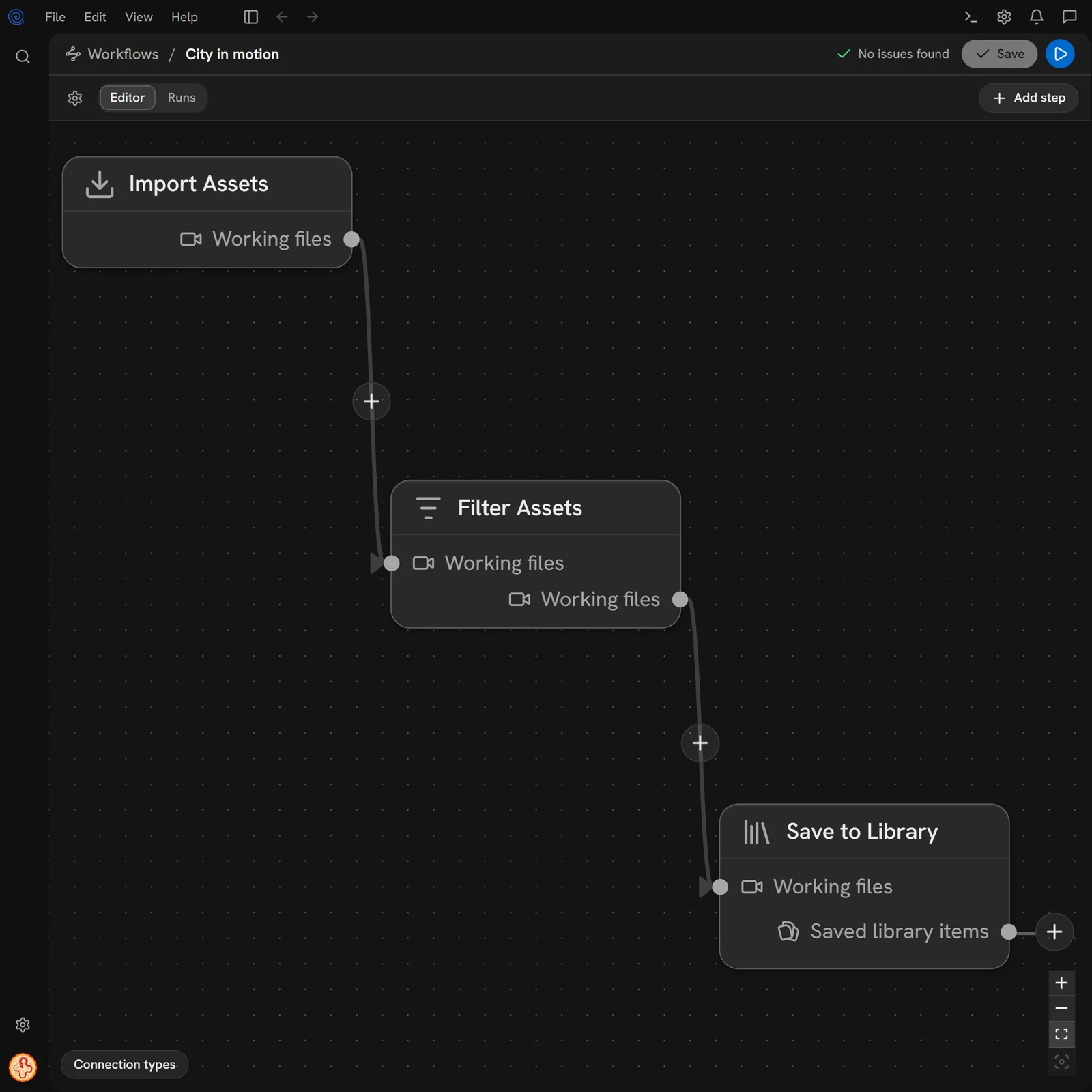
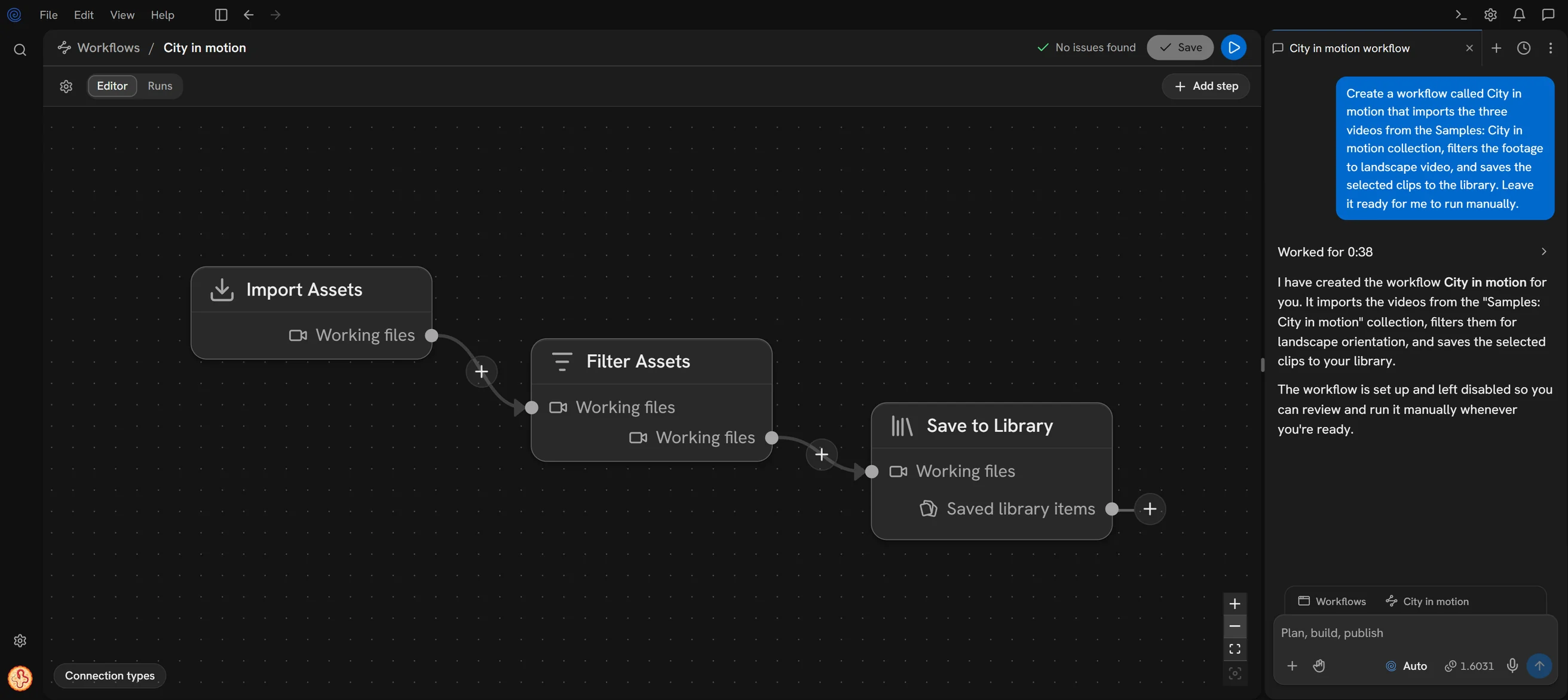
Illustrative example
Space footage, shaped into a short edit.
- Source material
- Your space footage files, cleared for reuse, and a music track you have the right to use.
- Intended result
- A short vertical montage of space scenes set to your chosen music, ready for your review.
- Your editing choices
- You choose the footage, sequence and pacing, then review the cut before publishing.
Repetitive editing and rendering run on your computer. You review the result and choose when to publish on TikTok, YouTube or Instagram.
Less repetitive editing.
From your footage to posts ready to publish.
Clip and analyze find the moments you want to use
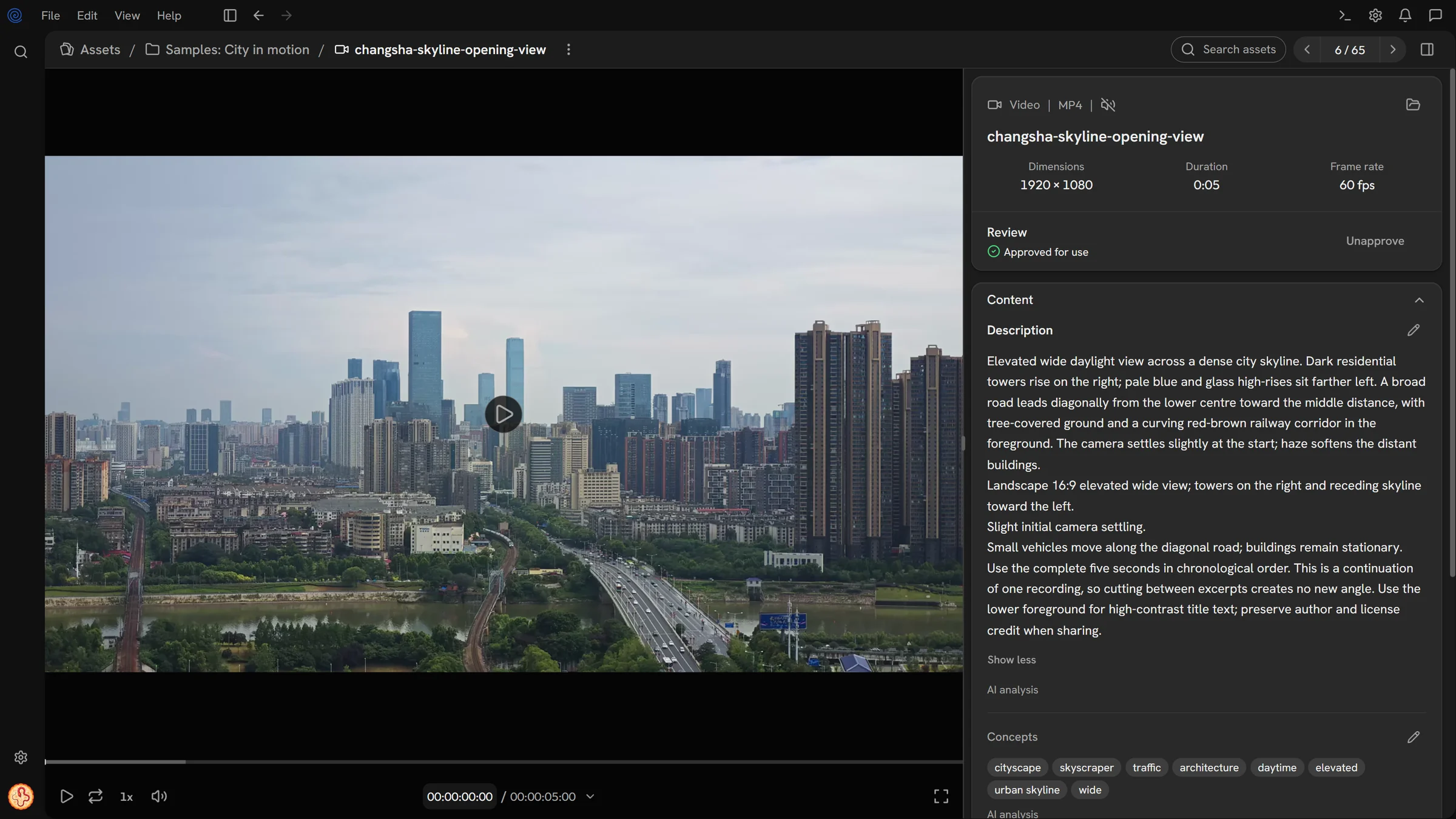
Edit and assemble with built-in tools or After Effects
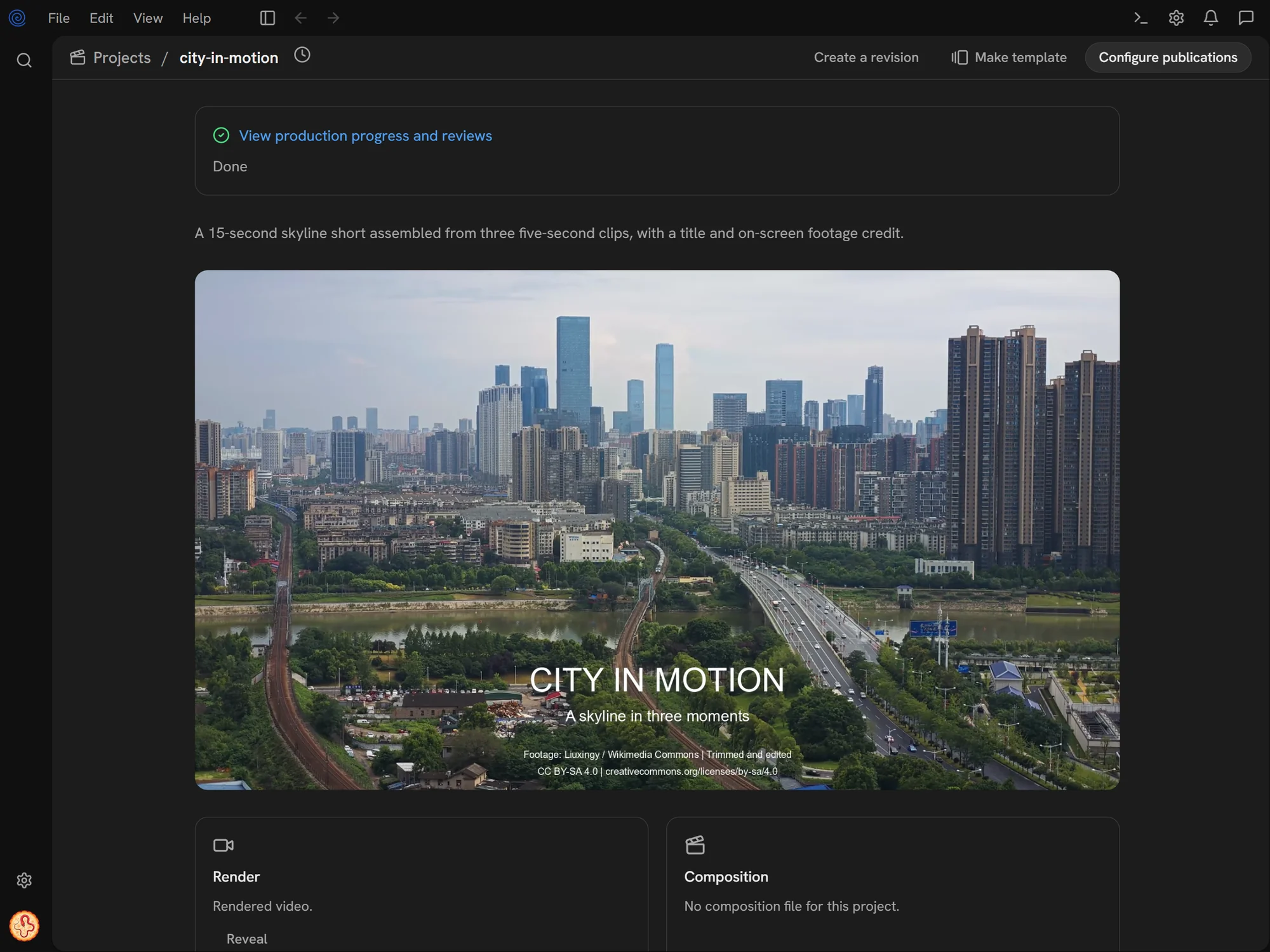
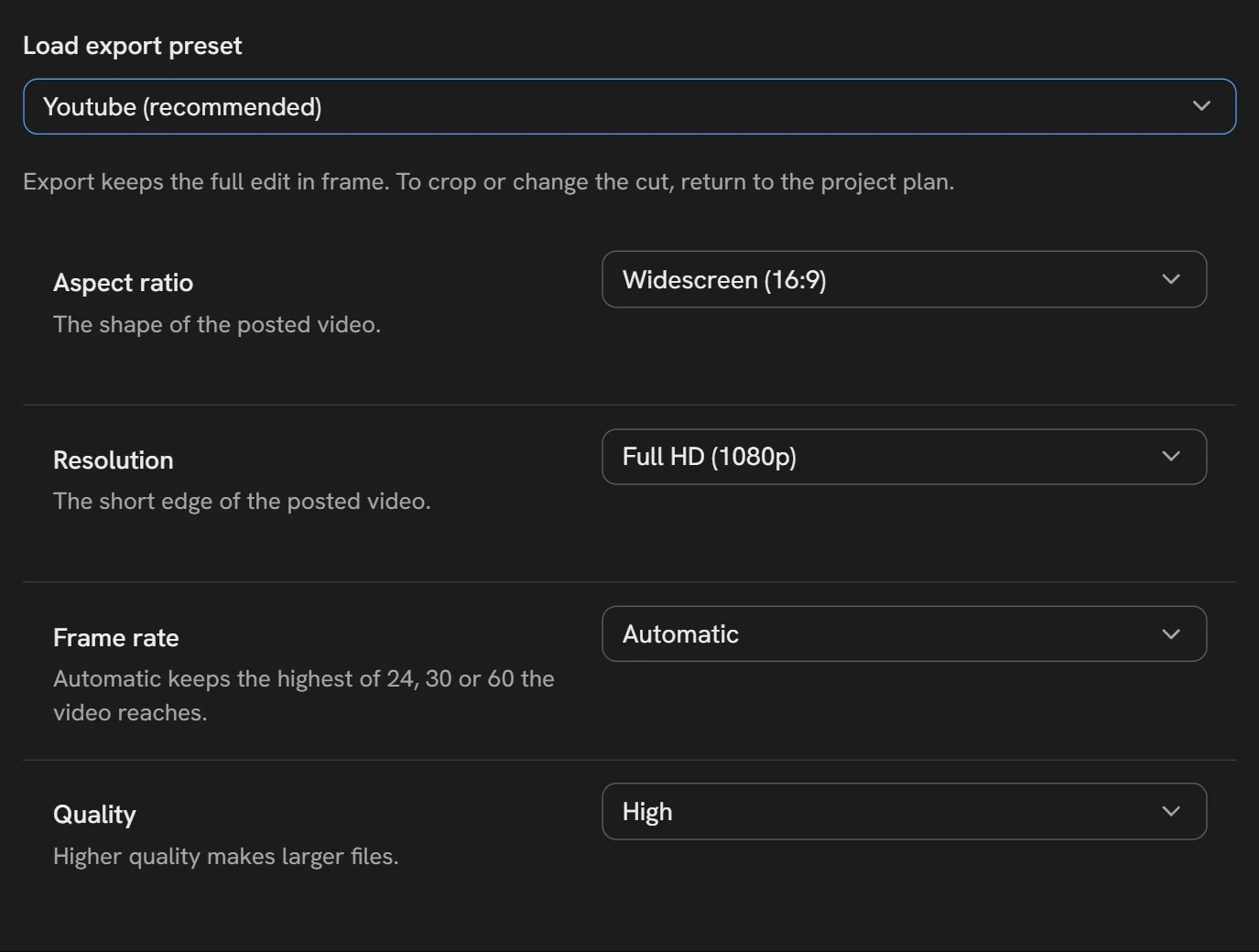
Render and compress sized for each platform
Tools and platforms you know After Effects and Topaz are optional
Every week, the same edit
Clip, cut, caption, export, upload, repeat. The loop that eats your production time.
Unloop it
Connect your editing steps in a reusable workflow on your computer. Add review points along the way, then upload and publish the finished video yourself.
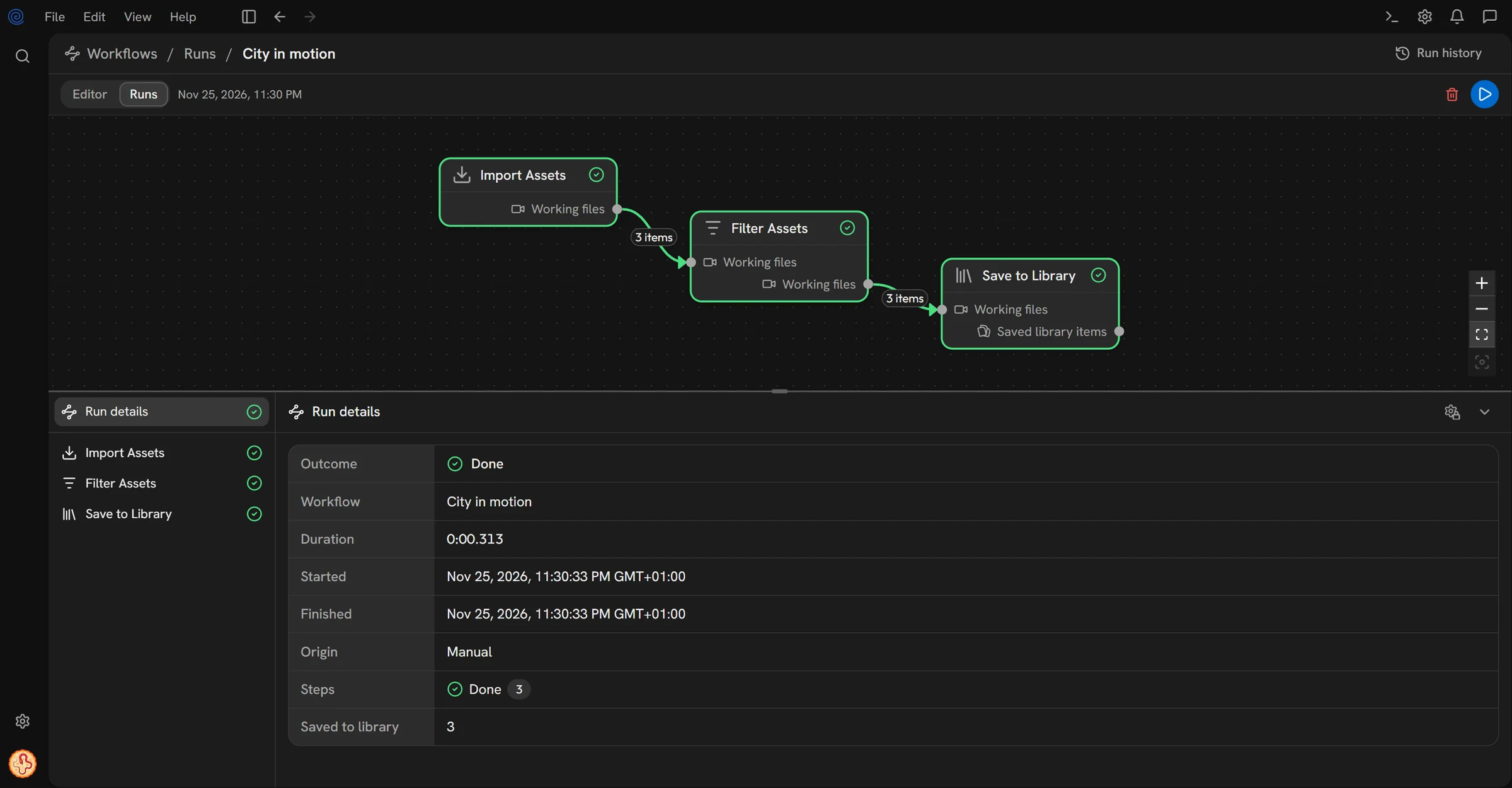
You stay the editor. The AI helps with the repetitive work.
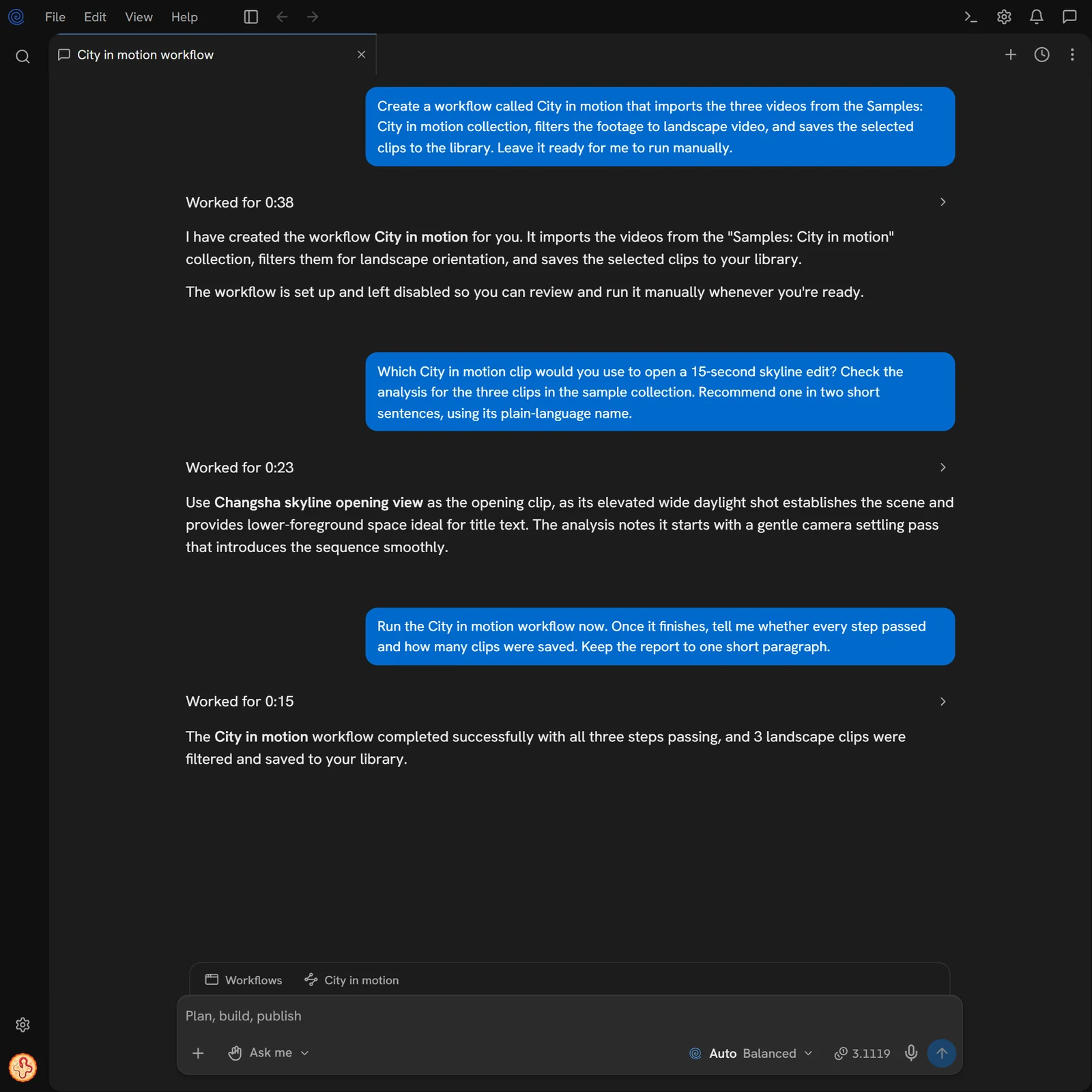
Tell the assistant what you need. It helps set up your editing steps, within the permissions you choose.
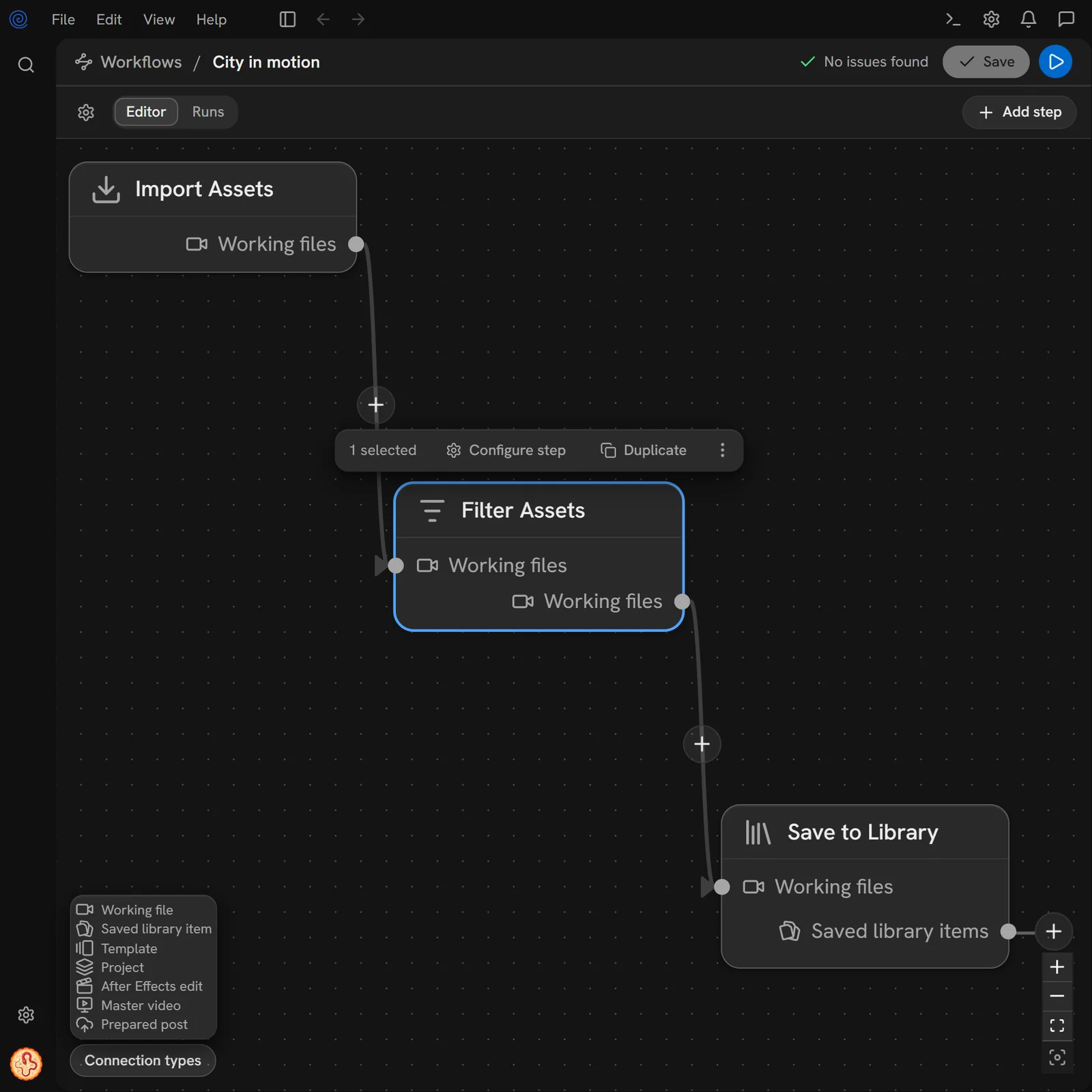
See and adjust every step. Open your workflow to review the steps, change your choices and run it again.
Publishing waits for you. Get your video and post details ready. The optional browser extension helps with the handoff; you upload and publish.
Your original footage stays on your computer.
Editing and rendering run on your computer. Keep it awake with UnloopEdit running. Local work can continue offline when the files and tools it needs are available; the assistant and online AI features need internet. For AI analysis, only selected frames, smaller images, transcripts or short audio samples are sent, never your raw video.
Built for creators and video editors.For your own channels or client work.
Reuse your editing process across projects. The current version is for one person, with work kept on one computer.